
The whole term at a glance
Subjects with a second level of categories, arranged in blocks, so the entire board fits on one screen.
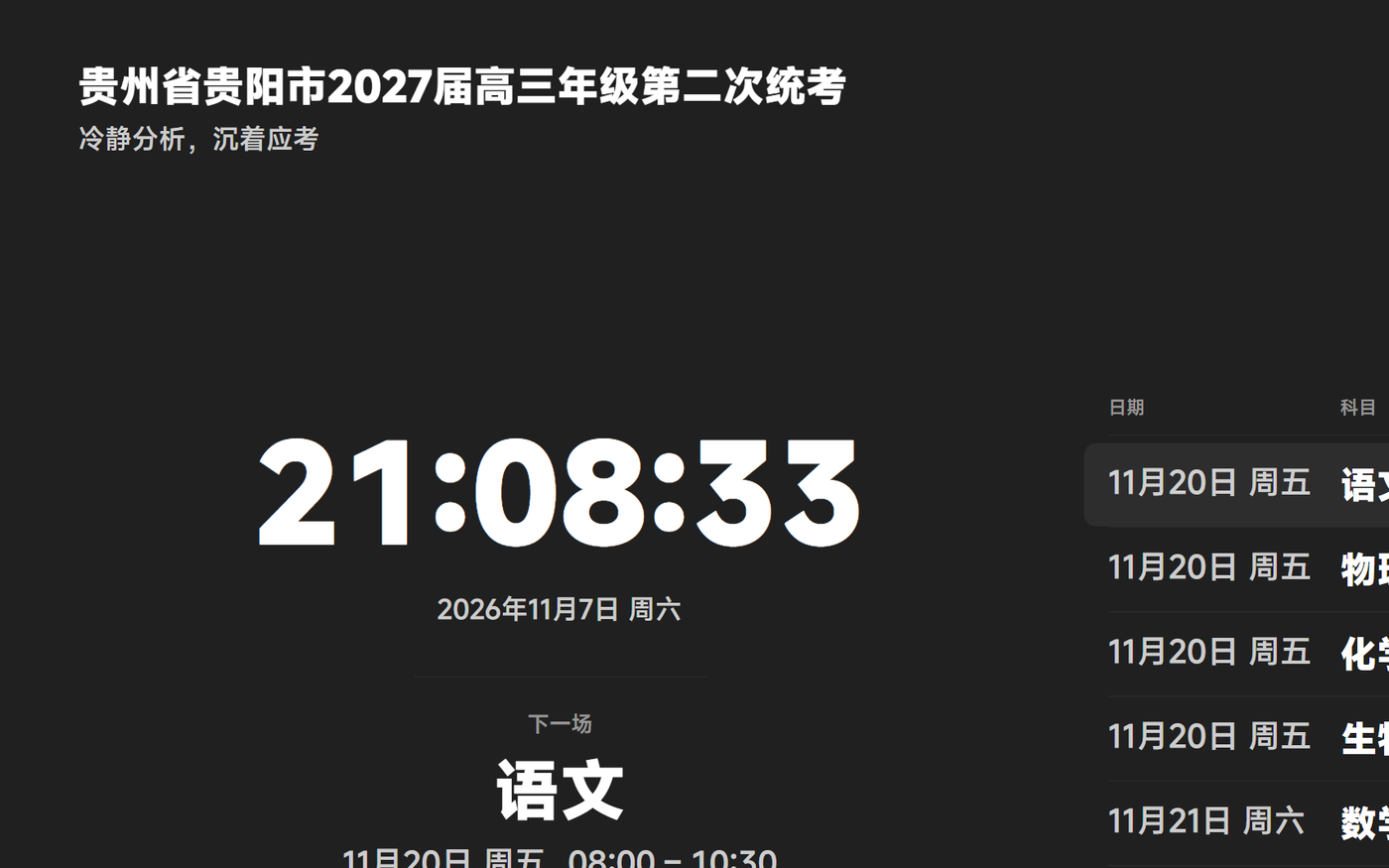
The full-screen exam board puts what is being sat right now, how much time is left and what comes next on a single screen, so nobody has to announce it.
The subject, title and remaining time are all set large enough to read from the back row.
The right-hand column lists the whole schedule, so the next subject and time are never a guess.
Accidental clicks don't drop you out of playback; exiting takes a two-second long press.
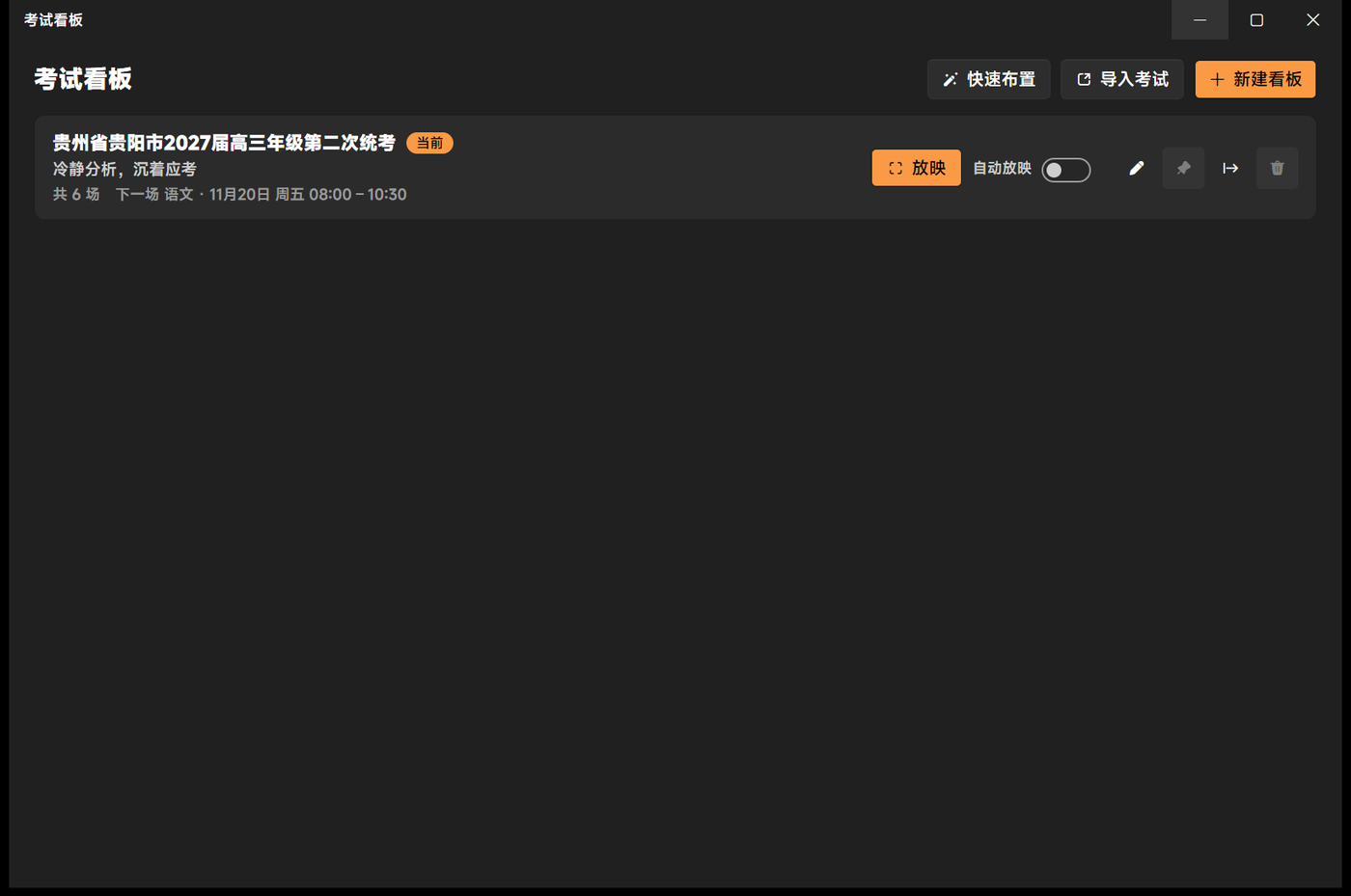
The setup wizard asks for sessions per day, the first start time and the gap between sessions, then lays out the rest. Nudge the order afterwards and everything shifts with it.
Tick the subjects you already have on the homework board instead of typing a second list.
Save a schedule as a template and reuse it next term with a different date.
A board can be exported to a file and brought to another machine.